

Navigating Lytics
Navigating between products
To begin, familiarize yourself with the products you currently have access to. Follow these steps:
- Look for the navigation bar on your screen.
- Locate the dropdown menu in the navigation bar.
- Click on the dropdown menu to reveal a list of different products.
- Examine each product and its associated features and purpose.
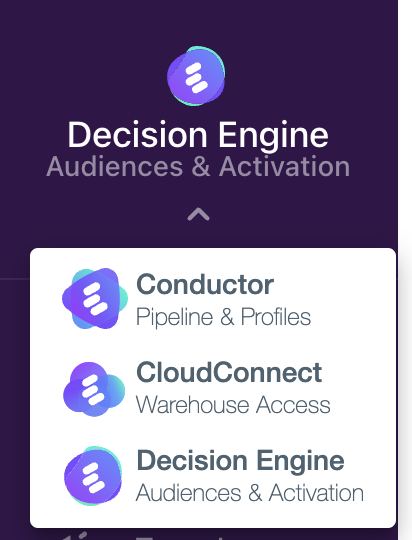
Navigating through products
Once you have chosen a specific product from the dropdown menu, you will gain access to its distinct set of features. Here's a concise overview of each product:
Data Pipeline:
Purpose: Data pipeline management, job orchestration.
Features: Manage sources, destinations, jobs, streams, and the Cloud Connect data warehouse integration.
Building Profiles:
Purpose: Schema management, identity resolution, profile exploration.
Features: Define your profile schema, manage identity resolution rules, and explore individual profiles.
Cloud Connect:
Purpose: Reverse ETL (Extract, Transform, Load).
Features: This product specializes in reverse ETL, enabling you to extract data from your target system, transform it as needed, and load it into your desired destination.
Decision Engine:
Purpose: Insights, Reporting, Segmentation, Activation.
Features: With this product, you gain access to valuable insights, reporting capabilities, segmentation tools, and activation features to enhance decision-making.
Account:
The Account menu in the main navigation is available to all customers and gives admins access to account-level controls.
Purpose: Privacy/Compliance, User Management, Account Settings, Token Management.
Features: User management, account settings, security controls, and token management.
By understanding the purpose and features of each product, you can make informed decisions about which one to utilize for specific tasks or objectives.
Updated 5 months ago